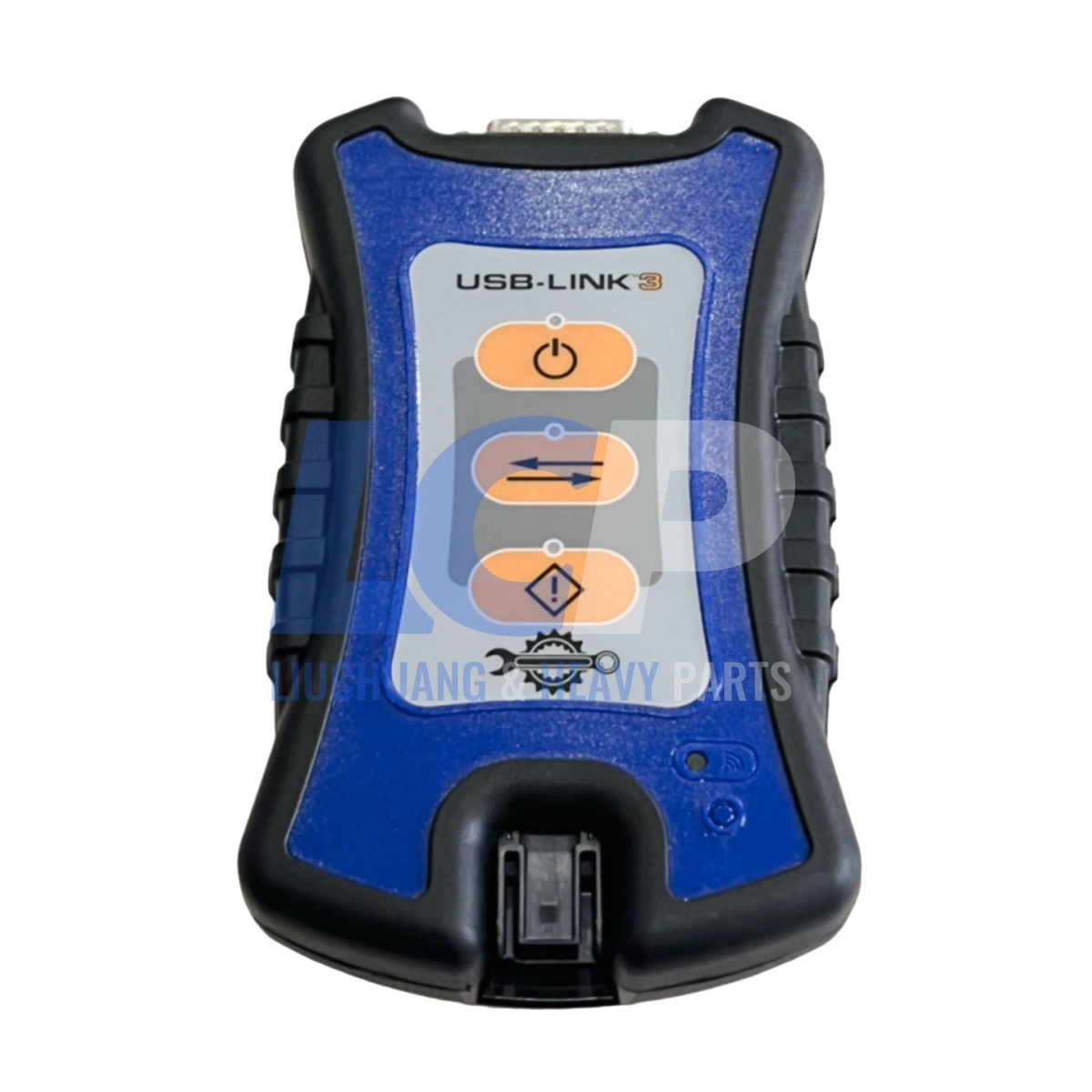
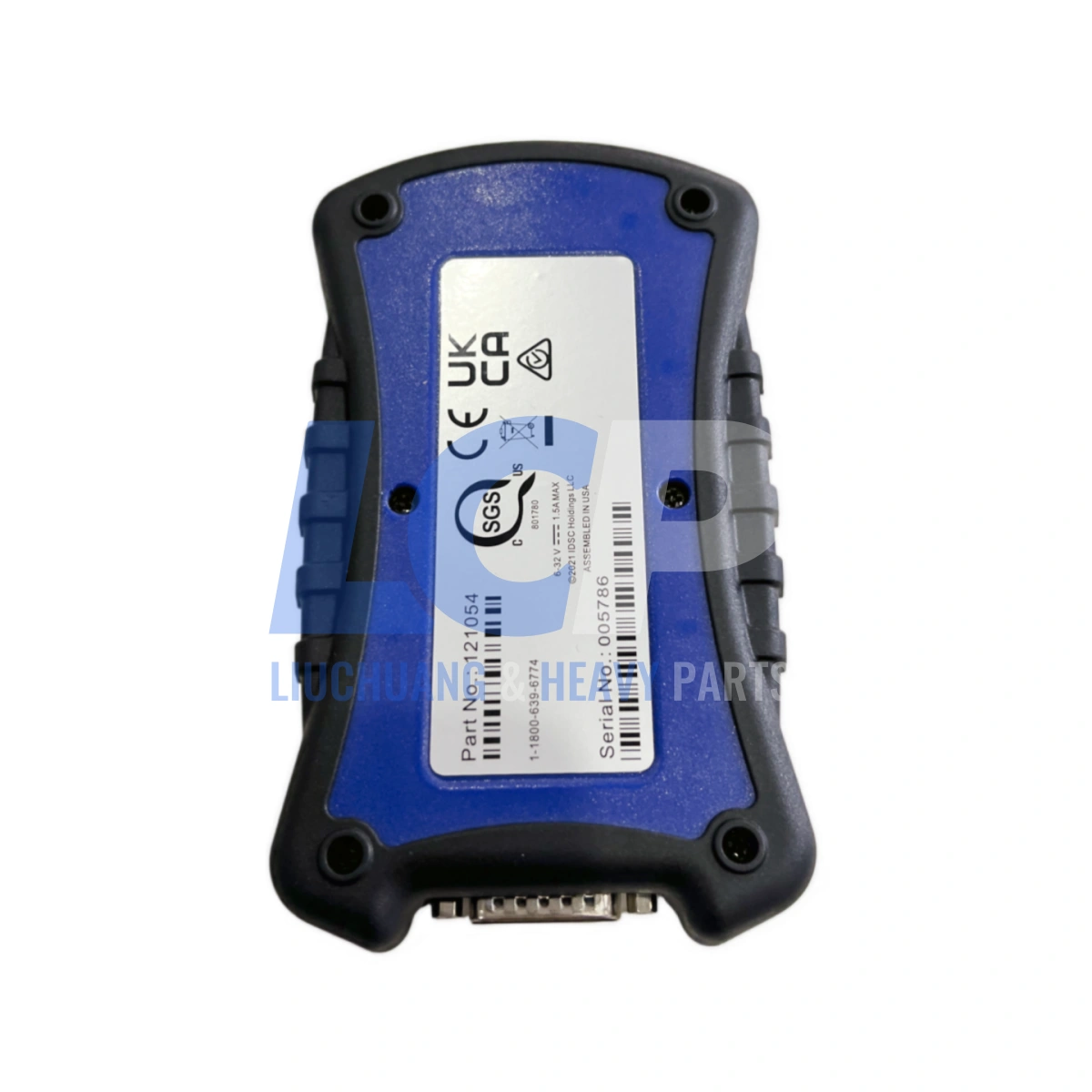
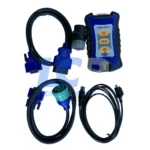
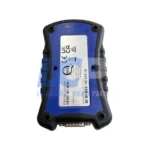
121054 USB Link 3 Wired VCI Diagnostic Interface CAN FD DoIP for Heavy Duty Trucks

The 121054 USB Link 3 Wired VCI delivers CAN FD and DoIP diagnostic connectivity for heavy-duty trucks and equipment.

  • Interchangeability: Compatible with part number 121054 / NQ121054, uses the same cable set as the previous USB Link 2 edition.
  • Application: For heavy-duty truck fleets, service centers, and diagnostic technicians running J1939, J1708, CAN FD, and DoIP protocols.
  • Quality Guarantee: Every unit passes 100% functional QC testing prior to dispatch, backed by a 3-month replacement/repair warranty.
  • Fast Shipping: In-stock units ship within 1-5days via tracked international courier.

$699.00

Free Express Shipping — DHL / FedEx / UPS · 3–8 business days
Dispatched in 1–3 business days · Tracking within 24–48 hours
  • Bench-Tested - Every unit powered up and function-tested before dispatch.
  • 6-Month Warranty - From delivery, against defects in materials and workmanship.
  • 30-Day Returns - Unused items in original packaging. RMA required.
Payment Methods:
PayPal Visa and Mastercard accepted

Product Details

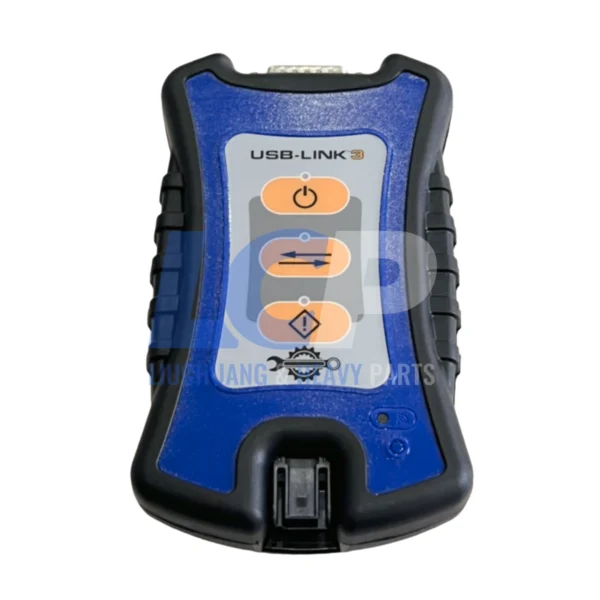
Part number 121054 is the wired edition of the USB Link 3 heavy-duty vehicle communication interface (VCI), connecting a PC, tablet or smartphone to truck and equipment networks over a single USB cable — no wireless pairing, no dropped sessions.

The wired design exists for one reason: shops and field sites where Wi-Fi and Bluetooth are unreliable. Steel-frame bays, underground service pits, remote job sites and busy yards all interfere with wireless VCIs, and a dropped link during a programming session is expensive. A direct USB connection removes that variable entirely.

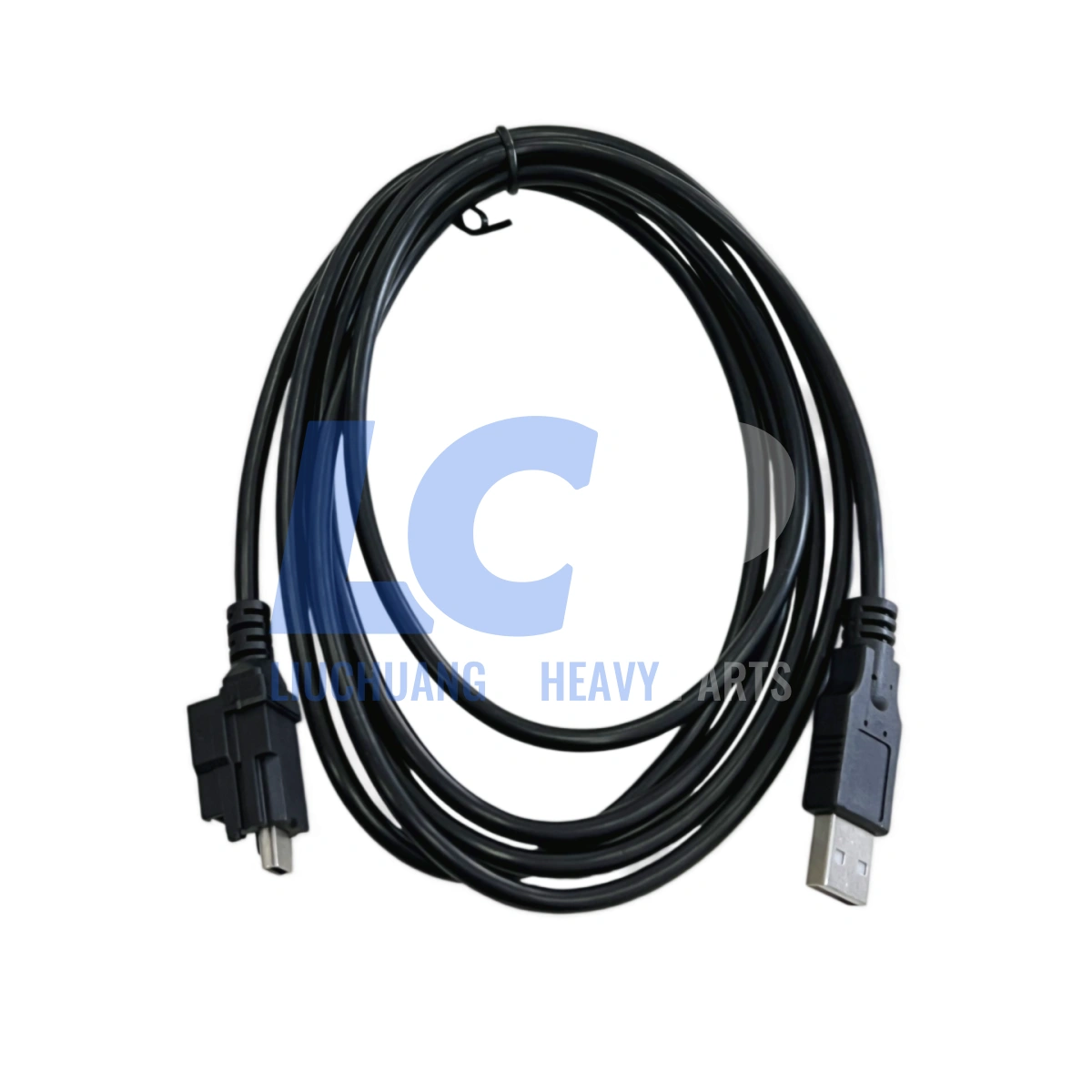
  • Wired USB connection only — stable link in low-signal environments, with a latching USB cable that will not shake loose during a session.
  • Current and legacy protocol coverage — CAN FD, J1939 FD and DoIP alongside J1708, J1850 VPW, ISO 9141 / KWP2000 and older ALDL and ATEC networks.
  • Broad software compatibility — supports RP1210 a/b/c and a partial, commercial-vehicle-focused J2534 implementation, so it works with a wide range of OEM diagnostic applications.
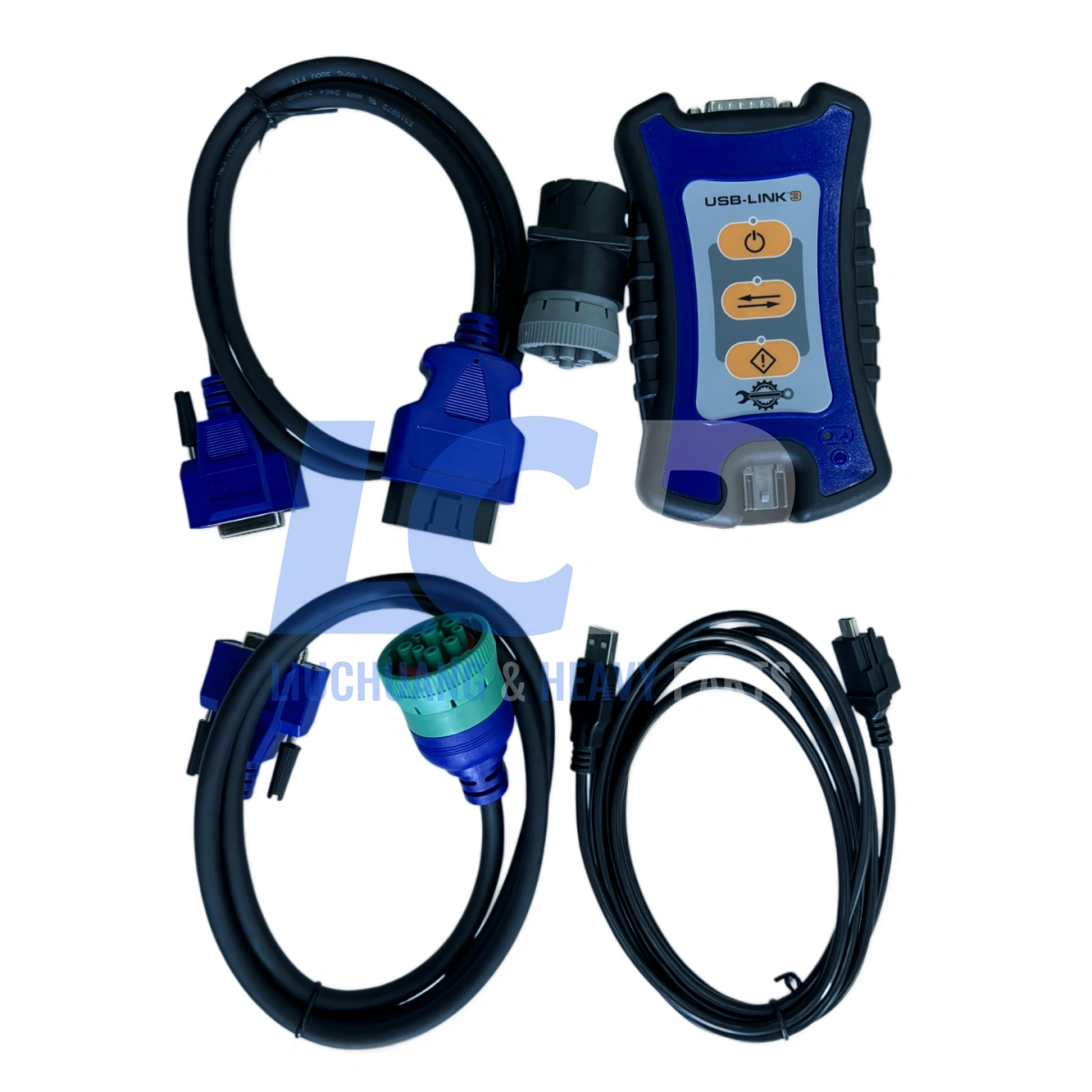
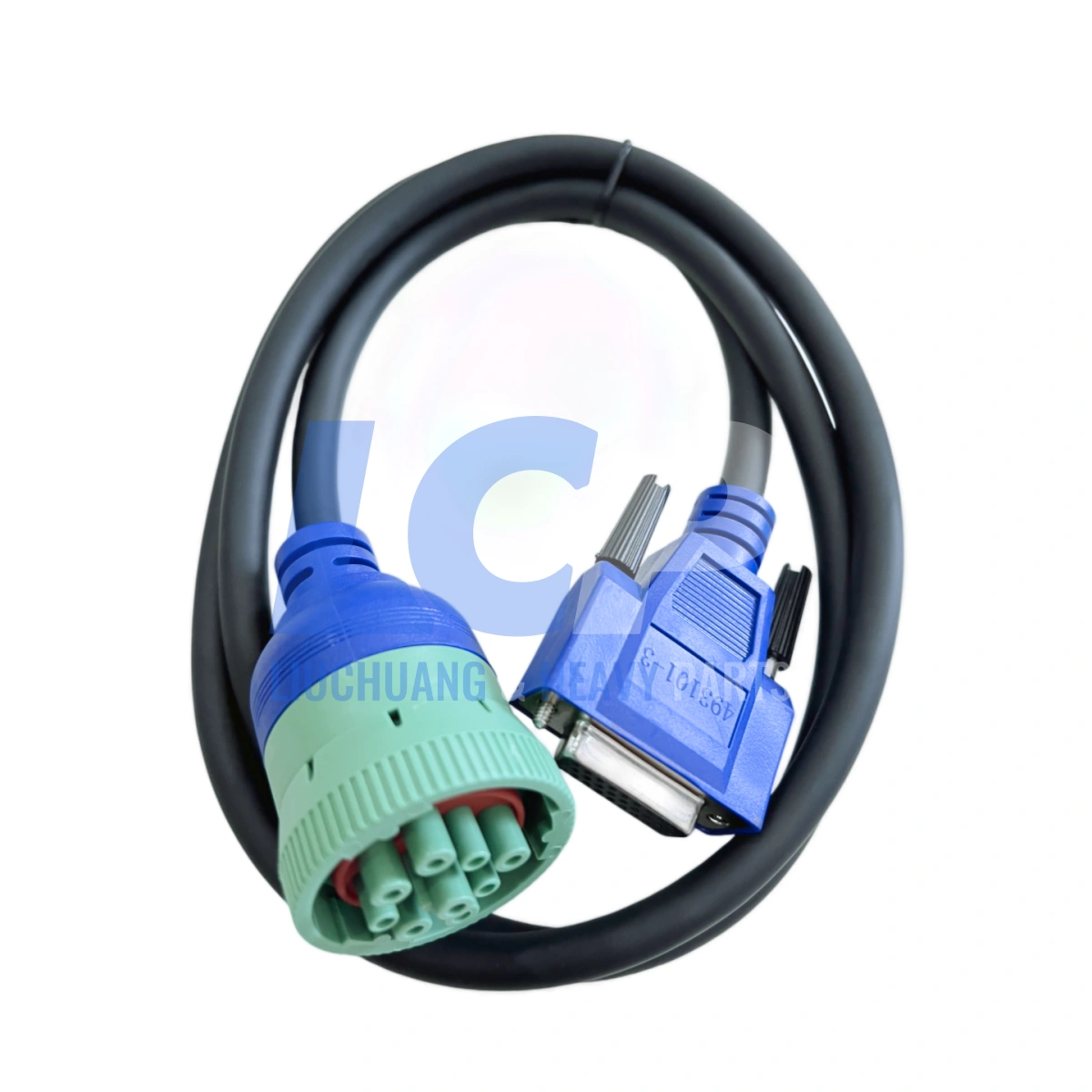
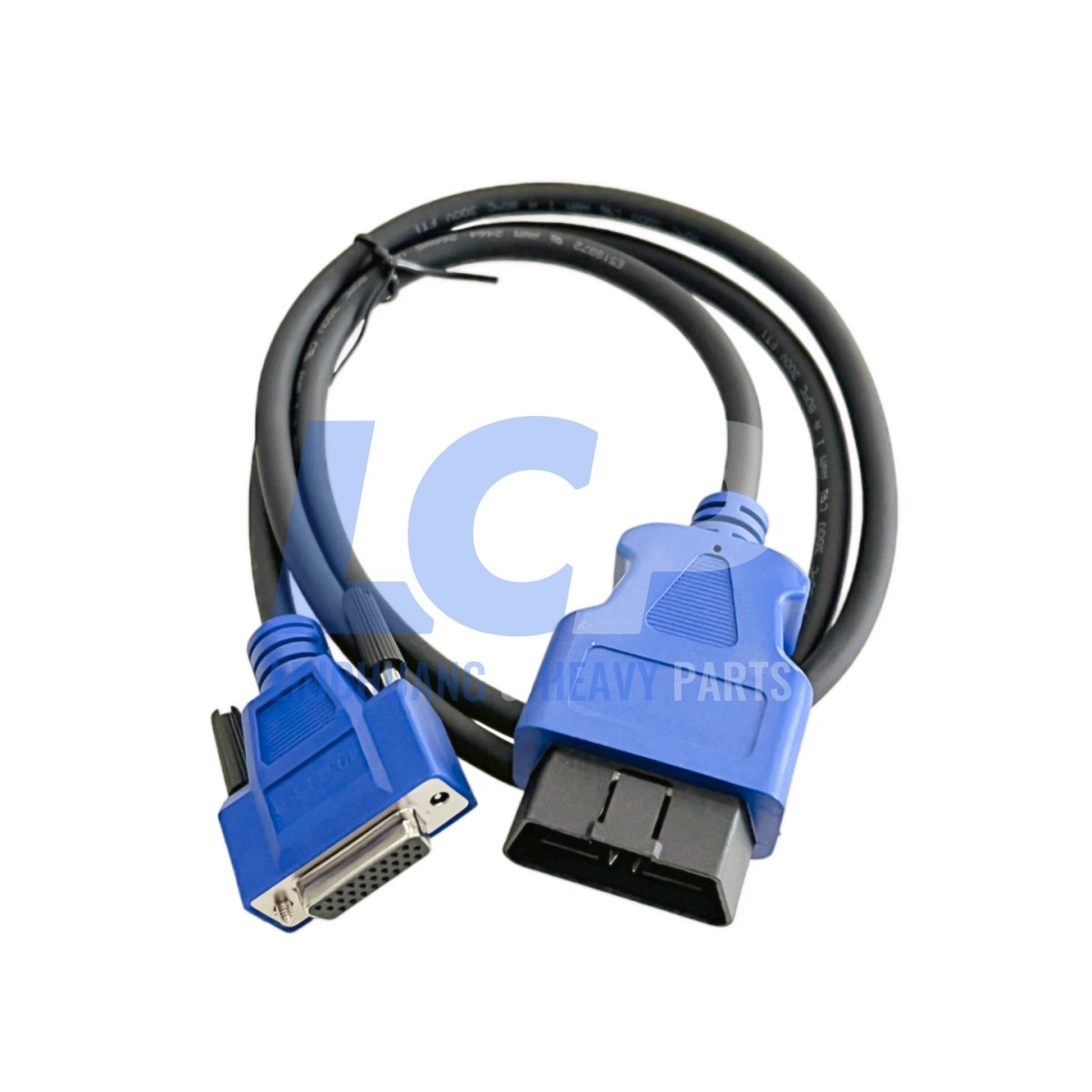
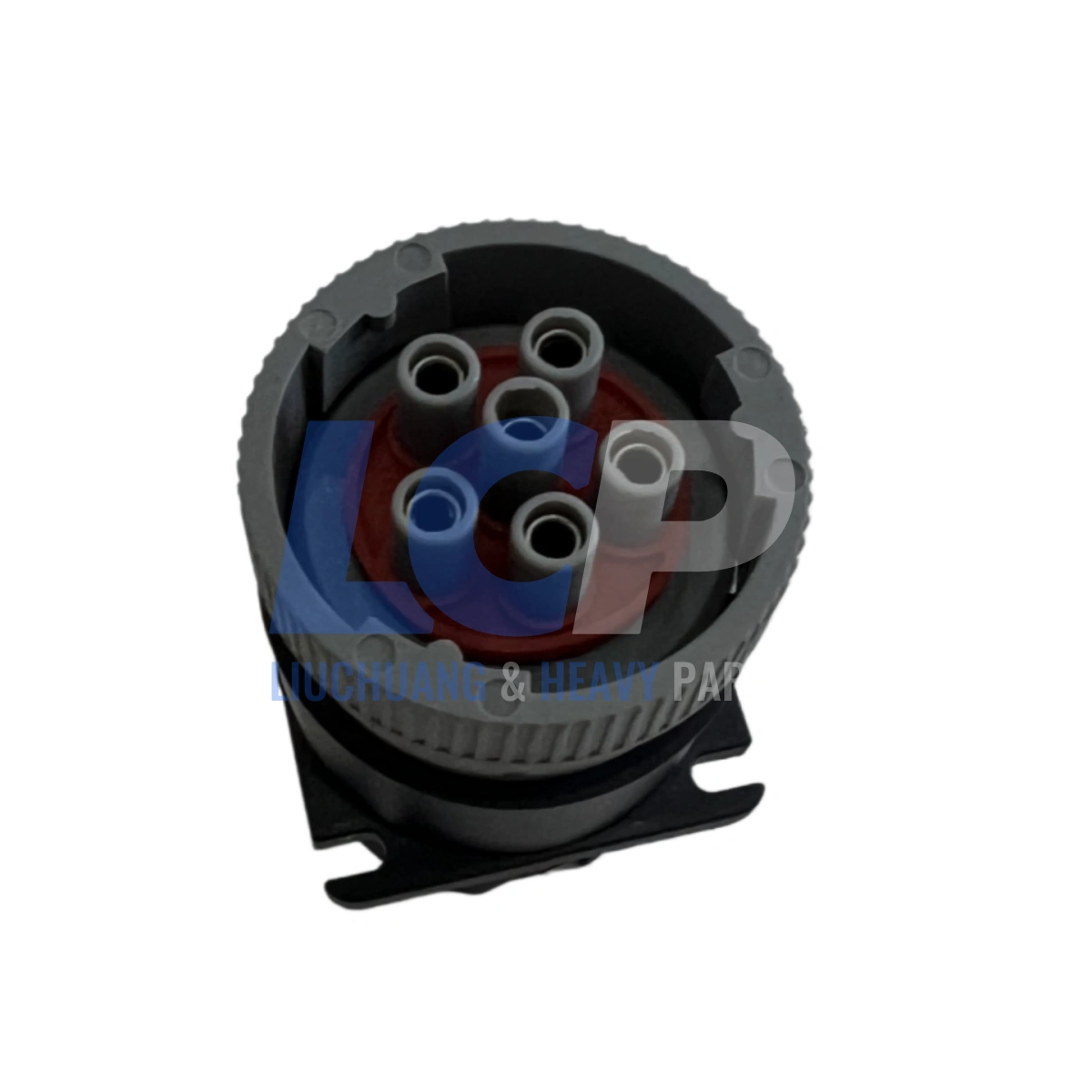
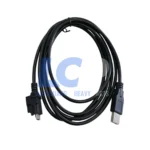
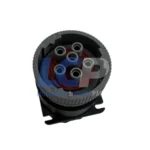
  • Complete cable kit included — 9-pin Deutsch and 16-pin OBD-II adapters, latching USB cable and a plastic carrying case, ready to use out of the box.
  • Uses existing USB Link 2 cabling — if you are upgrading, your current adapter cables carry over.
  • Rugged construction — built for daily shop and roadside use rather than bench-only duty.
  • 3-month warranty — repair or replacement service provided if any fault appears within the period.

Please Note: This Is the Wired Edition

Part 121054 communicates over USB only. It does not include Bluetooth or Wi-Fi connectivity. If your workflow depends on a wireless VCI, this is not the right variant — contact us before ordering and we will point you to the correct one.

This interface provides diagnostic and programming access only to the extent supported by the OEM software you run. It does not alter, bypass or remove any emissions control system, and it is not a tuning device.

Kit Contents & Compatibility

Part numbers below are listed for identification and cross-reference purposes only. All trademarks belong to their respective owners.

What’s in the Box

Qty Item
1 x USB Link 3 wired edition VCI, part 121054
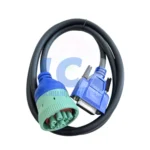
1 x 493128 — 9-pin Deutsch (J1939) adapter cable
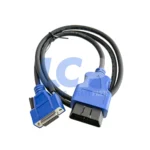
1 x 493113 — 16-pin OBD-II (J1962) adapter cable
1 x Latching USB cable (vehicle-to-computer)
1 x Plastic carrying case

Software & Platform Compatibility

API Standards RP1210 a / b / c  |  Windows Vehicle Communication API  |  J2534 (2004 draft), partial commercial-vehicle implementation
Operating Systems Windows 10, Windows 11, iOS, Android
Computer Connection USB 2.0 wired only — no Bluetooth, no Wi-Fi
Cable Interchange Uses the same adapter cables as the previous USB Link 2 generation
OEM Applications Compatible with a wide range of RP1210-based OEM diagnostic software across truck, bus and off-highway brands

Before ordering: confirm that your diagnostic application and its current version list this interface as a supported device. Licensing, subscriptions and dealer-level access are controlled by each software publisher and are not included with the hardware. Send us the name and version of your software and we will check it for you.

Technical Specifications

Vehicle Network Protocol Support

Protocol Detail
CAN FD / J1939 FD / ISO 15765 FD 250K, 500K and 1M b/s with automatic baud rate detection
DoIP Diagnostics Over Internet Protocol, for newer Ethernet-based architectures
Single Wire CAN (SWCAN) Supported
Fault Tolerant CAN (ISO 11898-3) Supported
J1708 Legacy heavy-duty serial network
J1850 VPW (Class 2) Supported
ISO PWM (SCP) Supported
ISO 9141 / KWP2000 (ISO 14230) K-line and L-line
ALDL 9600 and 8192 baud
ATEC 160 baud

General Specifications

Part Name Heavy-duty vehicle communication interface (VCI), wired edition
Part Number 121054 (also referenced as NQ121054)
Generation USB Link 3, wired edition
Host Interface USB 2.0, wired only
Vehicle Connection 9-pin Deutsch and 16-pin OBD-II adapter cables included
Power Source Powered from the vehicle diagnostic connector
Intended Use Fleet workshops, service centres, mobile technicians, off-highway service
Warranty 3 months — repair or replacement service
Package Contents VCI, 493128 9-pin cable, 493113 16-pin cable, latching USB cable, carrying case

Diagnostic software licences, subscriptions and OEM access credentials are not included and must be obtained separately from each software publisher.

Troubleshooting & Setup

Most connection problems with a wired VCI come down to three things: drivers, the RP1210 device selection inside your application, or the cable. Here is what technicians run into most often.

Symptom What to Check First
Computer does not detect the device Install the manufacturer’s driver package before plugging in the interface, then check Device Manager for an unrecognised USB entry.
Software cannot find the adapter Open the application’s RP1210 device list and select this interface explicitly; many programs default to a different adapter.
No communication with the ECU Confirm key-on power at the diagnostic connector, verify the correct protocol is selected, and try the other adapter cable if the vehicle offers both ports.
Connection drops mid-session Seat the latching USB connector fully, avoid unpowered USB hubs, and disable USB selective suspend in Windows power settings.
DoIP or CAN FD vehicle not responding The hardware supports these protocols, but your diagnostic application must also support them — older software versions frequently do not.
Intermittent faults on one vehicle only Inspect the vehicle-side diagnostic connector for bent, corroded or recessed pins before suspecting the interface.
Looking for a wireless connection This is the wired edition. Bluetooth and Wi-Fi are not available on part 121054 by design.

Setup order matters. Install the driver package first, connect the interface to the computer second, then connect to the vehicle and launch your diagnostic application. Plugging in before the drivers are present is the single most common cause of a device that will not enumerate.

Shipping & Quality Guarantee

  • 100% quality control — every interface is powered up, enumerated and function-checked before it leaves our facility.
  • Dispatch in 1–5 business days via DHL, UPS or FedEx express, with tracking provided as soon as the label is generated.
  • Complete kit shipped in its carrying case — cables counted and verified against the packing list.
  • 3-month warranty — if a fault arises within the period, we provide repair or replacement service.
  • Technical support — tell us which diagnostic software and version you run and we will confirm compatibility before you buy.

Shipping & Customs Notice

The listed price covers the product, shipping and handling only. It does not include import duty, VAT, GST or any local taxes or customs clearance charges. Any such fees are levied by your national customs authority and remain the buyer’s responsibility. Please check your local import regulations before ordering.

All brand names, part numbers and model designations are used for identification and cross-reference purposes only. We are an independent parts and tooling supplier and are not affiliated with, authorised by or endorsed by any vehicle, engine or software manufacturer. All trademarks are the property of their respective owners.

Customer Reviews

0 reviews
0
0
0
0
0

There are no reviews yet.

Be the first to review “121054 USB Link 3 Wired VCI Diagnostic Interface CAN FD DoIP for Heavy Duty Trucks”

Your email address will not be published. Required fields are marked *

1 2 3 4 5
1 2 3 4 5
1 2 3 4 5