








Marine Display Panel Guide for CAT Engines: 307-7542, 307-7541, 267-8623 & 259-2171
Key Takeaways
- Display panels are display and interface devices. They report engine data; they do not control fuel delivery.
- A dark or frozen screen is often a supply voltage or data link fault rather than a failed panel.
- The label on the existing panel is the primary source. Vessel model and engine model alone are not enough.
- Confirm connector count and keying against listing photographs before payment, not after delivery.
- Marine environments punish poor packaging. Ask how the unit will be protected in transit.
What a Marine Display Panel Actually Does
A marine display panel is the operator’s window into the engine. It receives data broadcast by the engine control module over the data link and presents it at the helm or in the engine room as readable values, warnings, and alarm states.
Typical information includes engine speed, coolant temperature, oil pressure, battery voltage, fuel rate, and hours. The panel also surfaces active diagnostic codes so a crew member can see that something is wrong before it becomes a failure, and an engineer can start troubleshooting without connecting a service tool.
One distinction matters more than any other when you are diagnosing a problem. The panel does not govern fuel delivery, timing, or engine protection. Those functions belong to the engine control module. A blank display is an information failure, not necessarily an engine failure, and the two are frequently confused on a vessel that is still running normally.
Pro Tip: If the engine runs correctly but the screen is dark, start at the panel’s power supply and the data link connector. A panel that never receives valid data will look exactly like a panel that has failed internally.
The Four Part Numbers Side by Side
These four numbers cover different display and monitoring positions across Caterpillar marine installations. They are related by application family, not by interchangeability, and substituting one for another without verification is the most common ordering error in this category.
| Part Number | Common Description | Typical Position | Product Page |
|---|---|---|---|
| 307-7542 | Marine LCD display | Helm or engine room display position | View 307-7542 LCD display |
| 307-7541 | Marine LCD display | Companion position within the same display family | View 307-7541 LCD display |
| 267-8623 | Marine display panel | Panel-mounted display on legacy installations | View 267-8623 display panel |
| 259-2171 | Marine monitoring display | Monitoring position on legacy installations | View 259-2171 monitoring display |
Physical dimensions, cutout size, connector configuration, and supply voltage vary between these units. Request the specification sheet for the exact number you intend to buy rather than assuming a shared standard across the family. Our technical team can send dimensional details and connector photographs for any of the four before you commit.
All units listed here are aftermarket replacement parts. Caterpillar and CAT are registered trademarks of Caterpillar Inc. All manufacturer part numbers and brand names are used for reference and compatibility identification only, and no affiliation with or endorsement by the trademark owner is claimed or implied.
Is the Panel Actually Faulty? Check These First
Work through supply voltage, grounds, and the data link before ordering a replacement. In marine service, salt-laden air and constant vibration attack connections long before they damage the electronics behind them.
| Symptom | Rule Out First | Points to the Panel When |
|---|---|---|
| Screen completely dark | Breaker, fuse, supply voltage at the connector, ground | Correct voltage confirmed at the panel connector, still no response |
| Backlight on, no data shown | Data link wiring, terminating resistors, ECM operation | Another device on the same link reads engine data normally |
| Display flickers or resets underway | Loose terminals, vibration at the mount, charging system ripple | Fault persists with connections re-terminated and voltage stable |
| Segments missing or screen discoloured | Contrast setting, moisture ingress at the bezel seal | Damage is visible in the display layer itself |
Warning: Corrosion inside a connector can look perfectly clean from the outside. Unplug, inspect the pins under good light, and check for green residue or pin fretting before condemning any marine display.
How to Identify the Correct Replacement
Identification runs off the physical label and the engine serial number, in that order. Vessel name, hull number, and even engine model are too coarse to settle which display variant a given installation carries.
- Photograph the label on the existing panel. Capture the full part number and serial number without glare. This is the single most useful item you can send a supplier.
- Photograph the rear of the unit. Connector count, connector keying, and mounting stud pattern all need to match.
- Record the engine serial number. It is stamped on the engine information plate and narrows the correct display generation.
- Measure the panel cutout. Note height, width, and depth clearance behind the dash, since a physically correct part still has to fit the aperture.
- Note how many units you need. Twin-engine vessels and dual-station helms frequently require matched pairs.
Send those five items together and a compatibility answer usually comes back the same day. Send only a vessel model and the exchange will run for days.
Shipment Record: Three Recent U.S. Orders
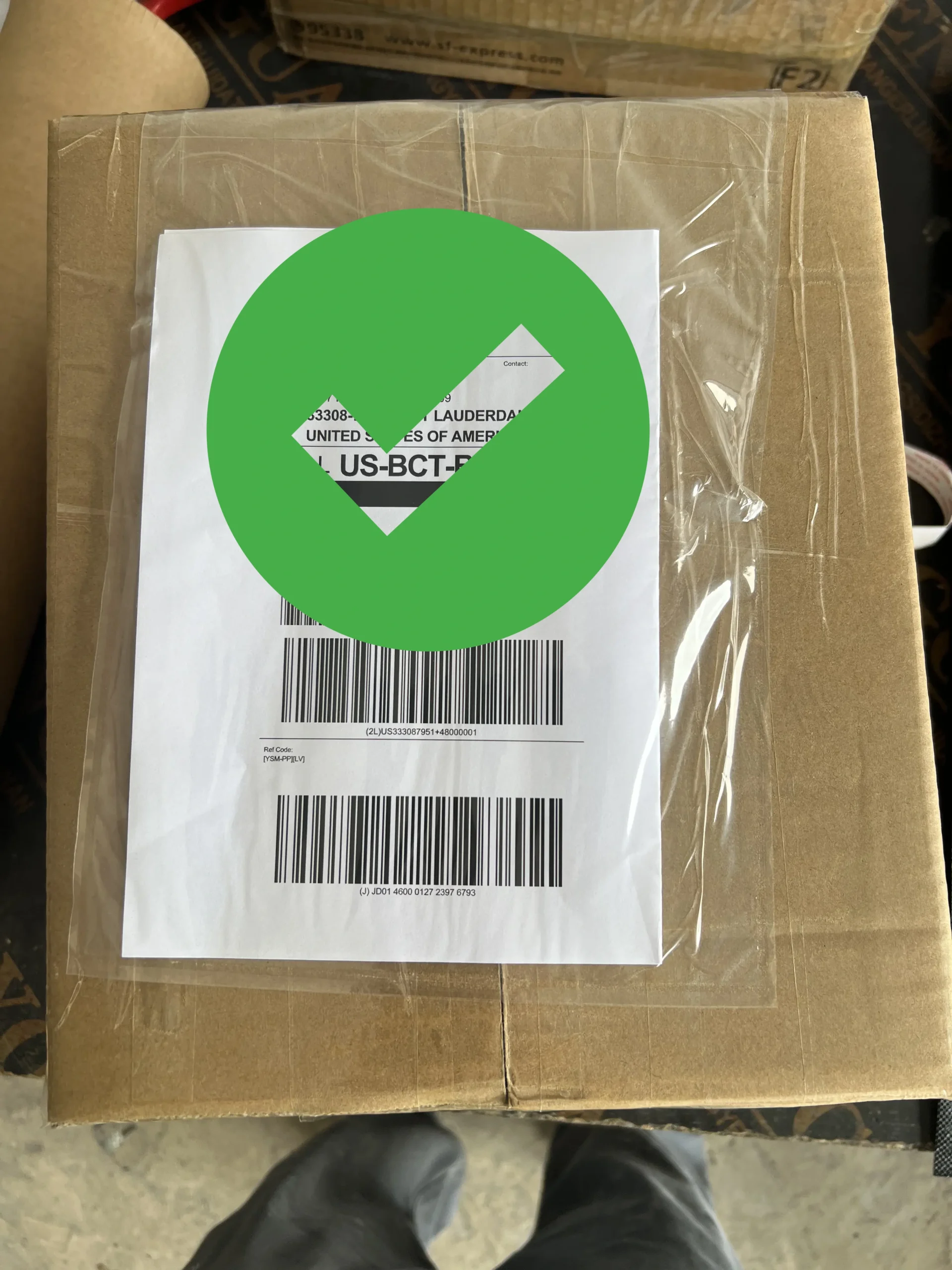
Three separate United States customers ordered from this display family in the same period. One of the three required two units of 307-7542 for a twin-installation replacement, bringing the total to four units across the three orders.
Each order followed the same sequence. The customer supplied a photograph of the existing panel label, compatibility was confirmed against that photograph before invoicing, and every unit was inspected and photographed at the packing stage before dispatch.

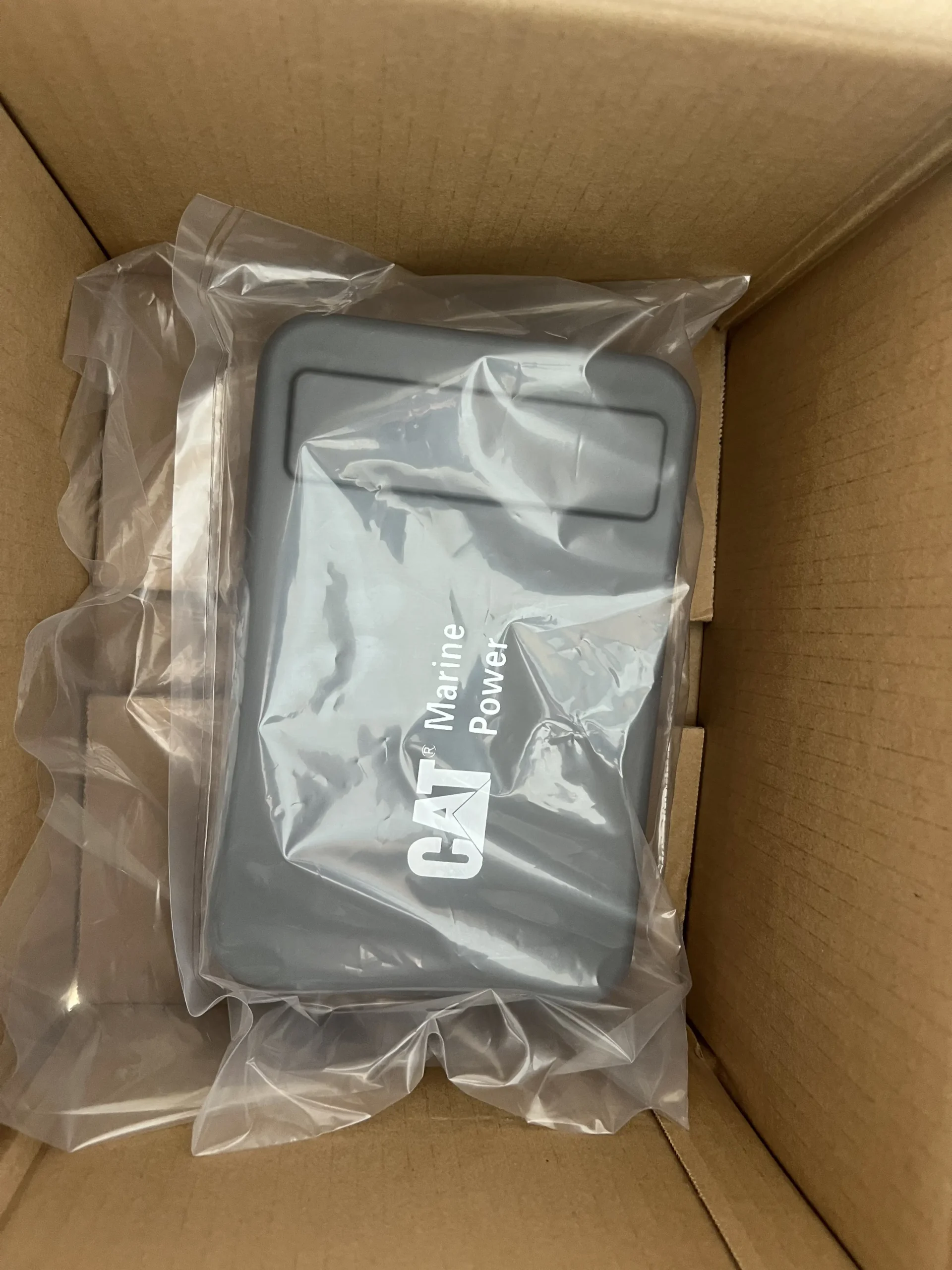
Units staged and label-checked against each customer’s photograph before packing. Click any image to enlarge.
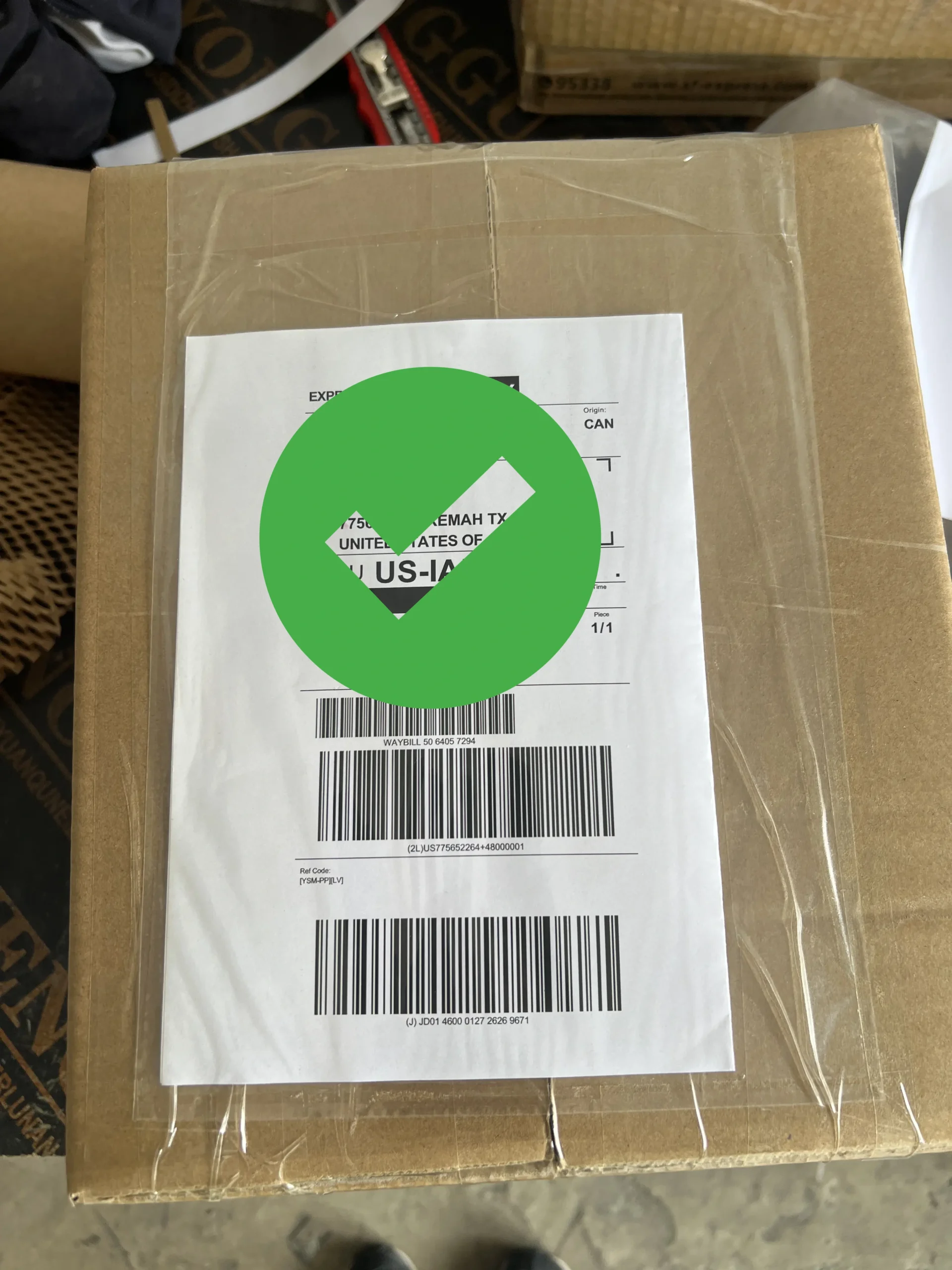
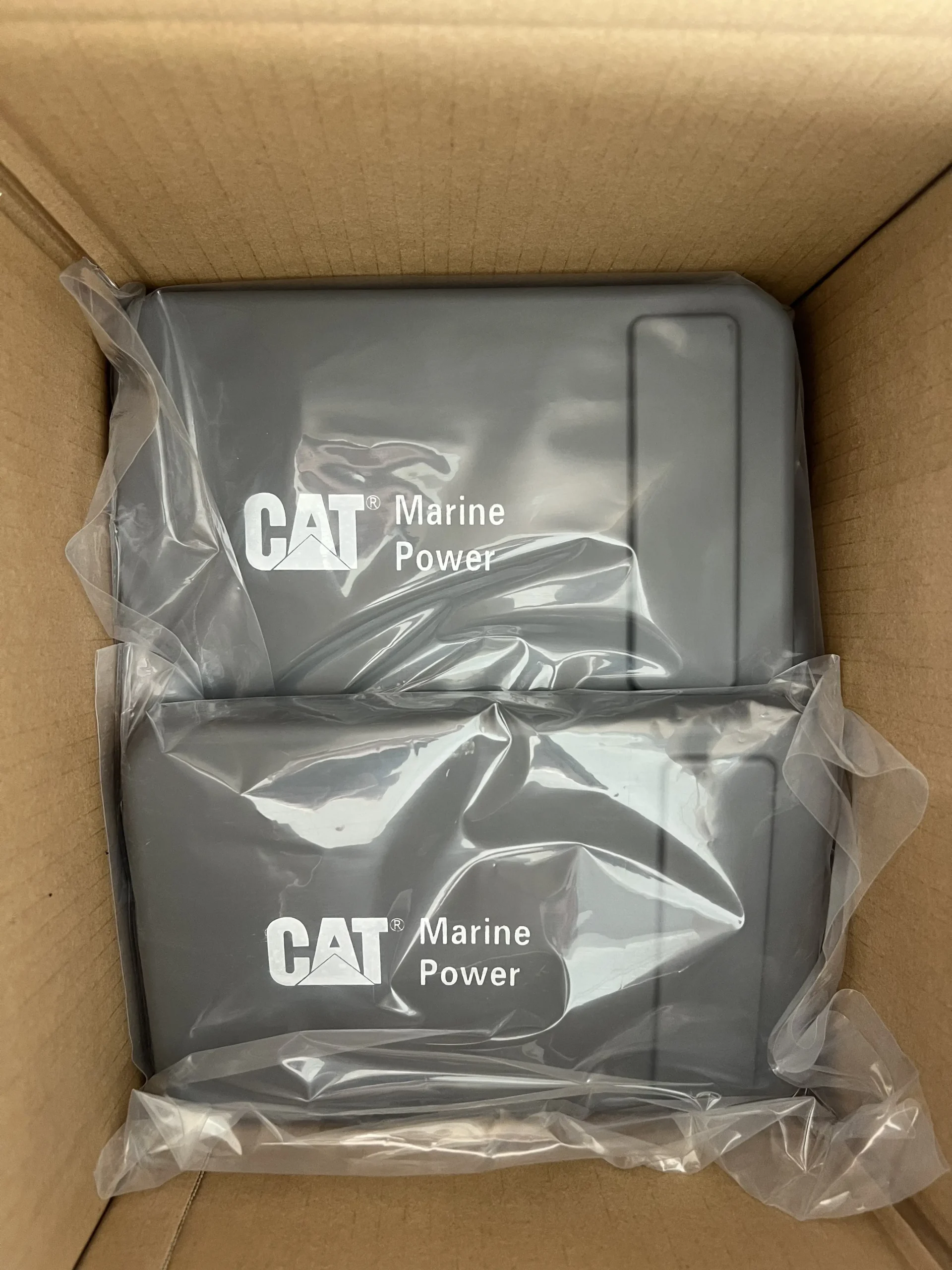
Matched pair for a twin installation, plus rear connector verification. Click any image to enlarge.
The pair order is worth a note of its own. When two displays serve the same vessel, order them together. Units bought months apart can arrive from different production batches, and small differences in bezel finish or backlight tone are obvious when the two sit side by side at a helm.
Packaging for Marine Electronics
A display panel is a glass-fronted electronic assembly, and transit damage on this product category almost always shows up as a cracked bezel or a fractured screen corner. Packaging is not a detail here; it is the difference between a working part and a claim.
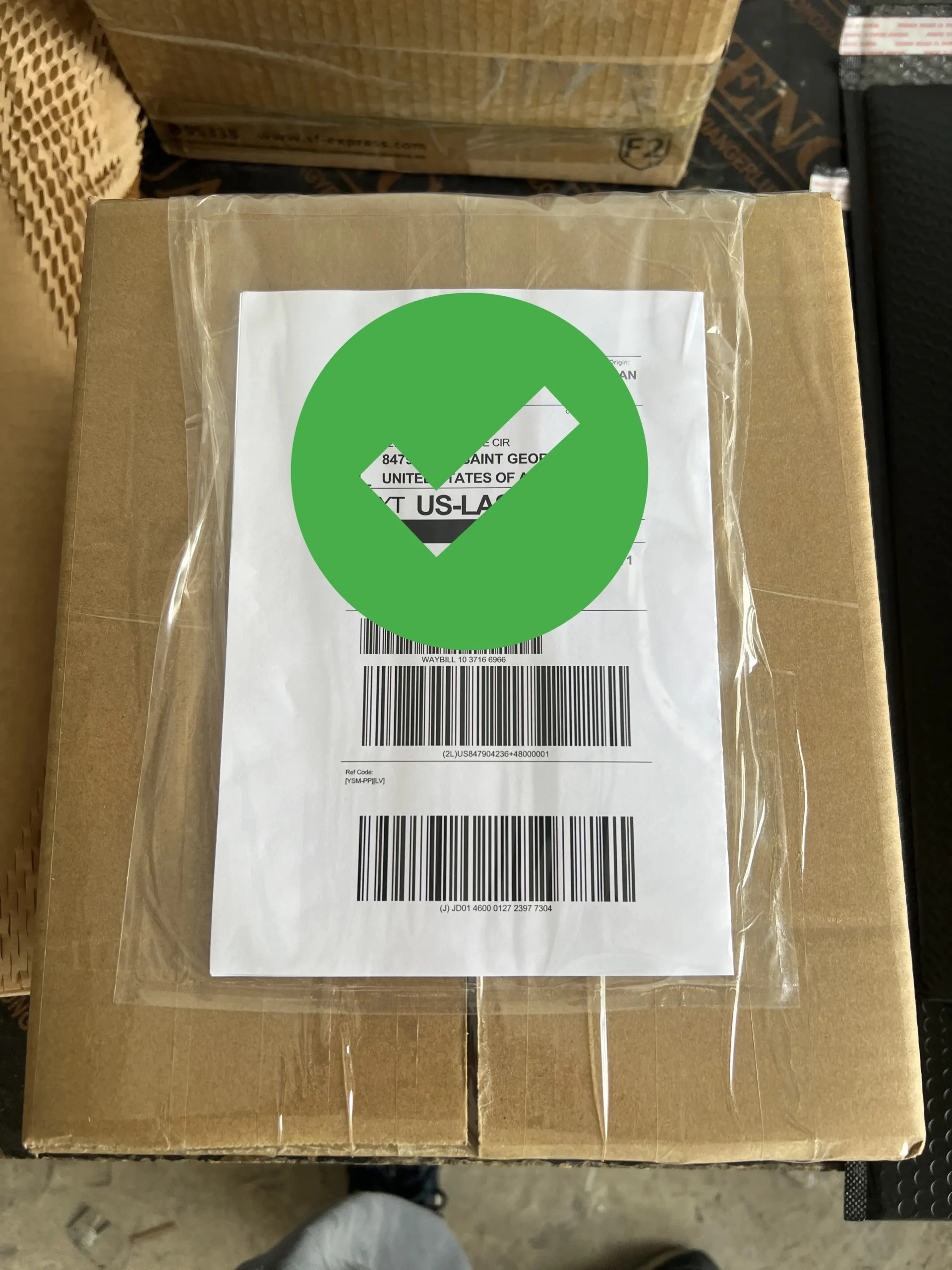
Screen face protected, unit cushioned on all six sides, carton sealed and labelled per destination. Click any image to enlarge.
Units ship in neutral packaging without third-party branding. For resellers and repair shops supplying an end customer, this keeps the parcel presentable at delivery without carrying marks that would misrepresent the source of the part.
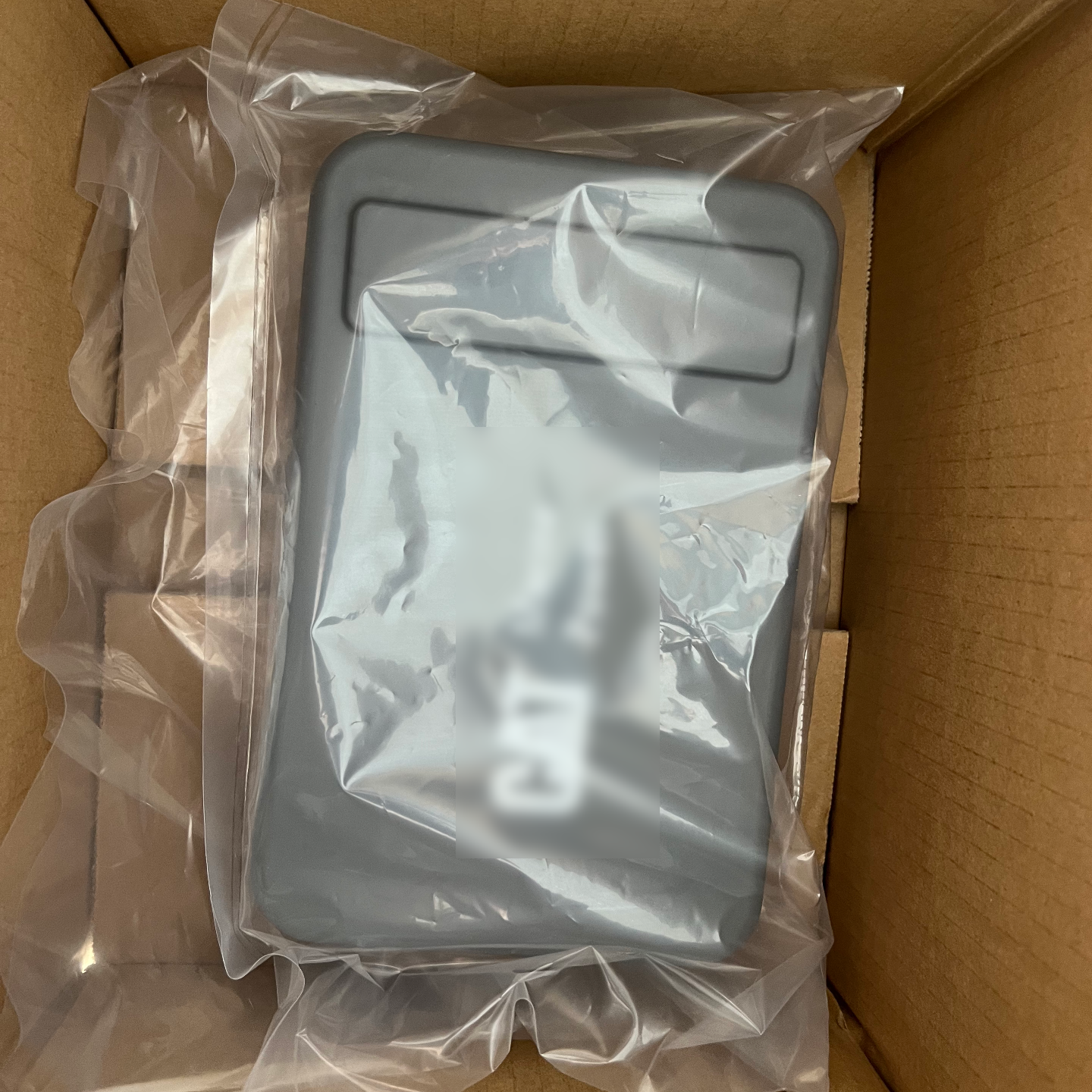
Neutral packaging as supplied for the 267-8623 display panel. Click to enlarge.
Pro Tip: Photograph the carton before opening it and photograph the unit before installing it. If a courier claim is ever needed, those two images settle it in minutes.
Pre-Order Checklist
Send these six items in one message and you will normally get a firm answer within a business day.
- Photograph of the existing panel label showing the full part number
- Photograph of the rear face showing connectors and mounting pattern
- Engine serial number transcribed exactly from the information plate
- Panel cutout dimensions and available depth behind the dash
- Quantity required, noting whether units must be a matched pair
- Destination address and required delivery window
Once you have those, send them to our technical team for a compatibility check before committing to an order.
Shipping, Lead Time, and Customs
Confirmed orders are dispatched within 24 to 48 hours by DHL, FedEx, or UPS, with tracking issued on the day of handover. Express transit to most United States destinations typically runs three to six business days depending on service level and destination state.
Multi-unit orders ship together by default. If a vessel is out of service and you need one unit immediately, ask for a split shipment at the quotation stage rather than after dispatch, when it can no longer be changed.
Import duties, taxes, and customs clearance charges are determined by the destination country and are the responsibility of the buyer unless agreed otherwise in writing before dispatch. Request the declared value and commodity description in advance if your customs broker needs specific documentation.
Frequently Asked Questions
Can 307-7542 and 307-7541 be swapped for each other?
Not without verification. They belong to the same display family but occupy different positions and can differ in configuration. Confirm against the label on the panel you are removing before ordering either one.
Does a marine display panel need programming before installation?
In most cases no, because the panel reads data broadcast by the engine control module rather than storing engine-specific software. Some installations still require on-site configuration such as unit selection, alarm thresholds, or station addressing.
My screen is dark but the engine runs fine. Is the panel dead?
Not necessarily. Check supply voltage at the panel connector, the ground path, and the data link before replacing anything. A panel receiving no power or no data behaves identically to one that has failed internally.
Should I order two displays at the same time for a twin installation?
Yes, when both positions are being replaced. Ordering together keeps the units from different production batches apart, which matters for visual consistency at a helm where both screens are seen at once.
What are 267-8623 and 259-2171 used on?
Both are display and monitoring units associated with legacy Caterpillar marine installations. Because application coverage varies by build, confirm by the label on your existing unit rather than by vessel or engine model alone.
Do these units ship in branded packaging?
No. Units ship in neutral packaging without third-party branding, which suits resellers and repair shops delivering directly to an end customer.
What should I check the moment the parcel arrives?
Photograph the carton before opening, then inspect the screen face, bezel corners, and connector pins under good light. Report any transit damage before installation, since a fitted unit complicates a courier claim considerably.
Can a replacement display improve engine performance?
No. A display panel reports engine data and does not influence how the engine runs. A correct replacement restores factory-specified monitoring function, nothing more.
Final Word
Buying a marine display panel comes down to two photographs and one serial number. Get the label and the rear connector view in front of your supplier before payment, and the rest of the order is administration.
The three shipments above ran cleanly for exactly that reason. Every customer supplied a label photograph up front, compatibility was settled before invoicing, and no unit shipped without being inspected and documented at the packing bench.
Need a Marine Display Panel Identified and Shipped?
Aftermarket replacement for Caterpillar marine display and monitoring panels including 307-7542, 307-7541, 267-8623 and 259-2171. Send us your panel label photograph for a compatibility check, then ship in neutral packaging within 24 to 48 hours via DHL, FedEx, or UPS with same-day tracking.
Check Availability & Pricing →